Personalised Puzzles: How to Create Your Own Wordsearches and Crosswords
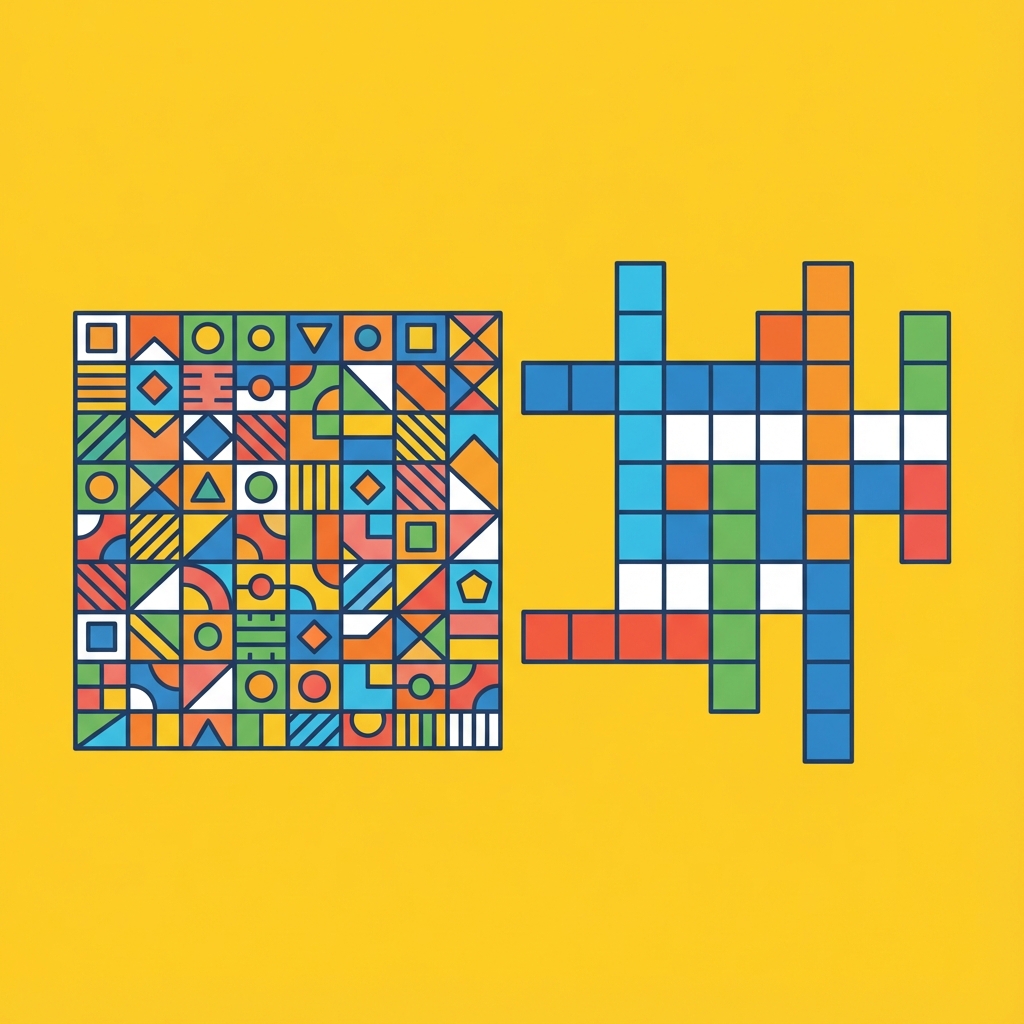
Personalised Puzzles: How to Create Your Own Wordsearches and Crosswords
Puzzles have long been a staple of rainy afternoons, morning commutes, and educational workshops. But there is a unique satisfaction in solving a puzzle that has been tailored specifically for you—or creating one for someone else.
Whether you are a teacher looking to reinforce vocabulary, a parent planning a themed birthday party, or simply someone who enjoys the meditative process of wordplay, custom puzzles offer a creative outlet that off-the-shelf books cannot match.
Why Create Your Own Puzzles?
Custom puzzles serve many purposes beyond simple entertainment:
- Education: Teachers use themed wordsearches to help students familiarise themselves with new terminology in a low-pressure way.
- Personalised Gifts: A crossword filled with "inside jokes" and shared memories makes for a thoughtful and unique anniversary or birthday gift.
- Mindfulness: The process of Selecting words and seeing them integrated into a grid can be a calming, creative exercise.
- Events: From wedding favours to team-building icebreakers, custom puzzles are a great way to engage a group.
The Manual Struggle vs. Digital Ease
In the past, creating a crossword or wordsearch required graph paper, a sharp pencil, and a lot of erasing. Fitting words together without leaving awkward gaps or unintended "hidden" messages was a genuine challenge.
Fortunately, digital tools have turned a laborious task into a 30-second process.
How to Make a Custom Wordsearch
Our Wordsearch Maker is designed for speed and simplicity. You don't need to worry about grid dimensions or letter placement; the tool handles the heavy lifting.
Steps to Create:
- List Your Words: Enter the words you want to hide, separated by commas or new lines.
- Choose Your Difficulty: Adjust the grid size to make the puzzle easier (larger letters) or harder (tighter packing).
- Generate: Click the button, and the algorithm will weave your words into a random grid.
- Download and Print: Save your puzzle as an image or print it directly for immediate use.
How to Make a Custom Crossword
Crosswords are slightly more complex because they require clues. However, our Crossword Maker simplifies this by automatically finding the best intersections for your chosen words.
Steps to Create:
- Input Word/Clue Pairs: Provide the answer followed by the clue (e.g., "LONDON|The capital of England").
- Generate the Grid: The tool will attempt to connect as many words as possible into a cohesive interlocking structure.
- Refine: If you aren't happy with the layout, you can re-generate to find a different configuration.
- Share: Perfect for digital classrooms or printable worksheets.
Conclusion
Custom puzzles are a wonderful way to add a personal touch to learning and leisure. Why settle for a generic wordsearch when you can create one filled with your favourite films, family names, or local landmarks?
Try our Wordsearch Maker or Crossword Maker today and start building your own challenges.